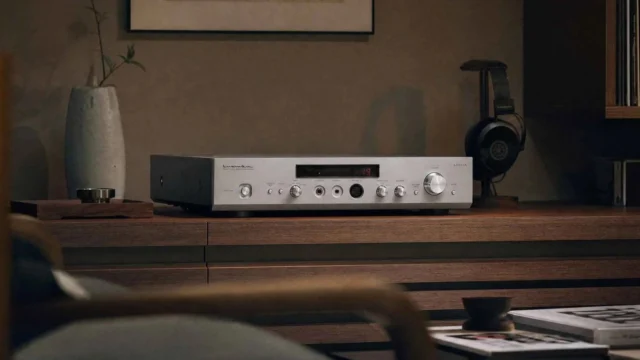


Getting a new streamer onto your network should take minutes, not an evening. With that in mind, Silent Angel has published a step-by-step video that explains the Silent Angel H1 Wi-Fi setup in two simple ways: directly over the H1’s own hotspot, without a network cable, or by starting wired and then switching to wireless. Whether you are setting up the H1 for the first time or moving it to a new network, the walkthrough takes the guesswork out of the process.
Watch the Silent Angel H1 Wi-Fi tutorial
The video at the top of this article comes from Silent Angel’s own YouTube channel and covers both methods from power-up to playback. Below, we summarise the steps so you can follow along.
Method 1: Hotspot (AP mode), no Ethernet cable needed
The first method is the quickest if there is no network cable near your system. When you power up the H1, it creates its own open wireless network, named H1-XXXXXX. Go to the Wi-Fi settings of your phone and connect directly to that network.
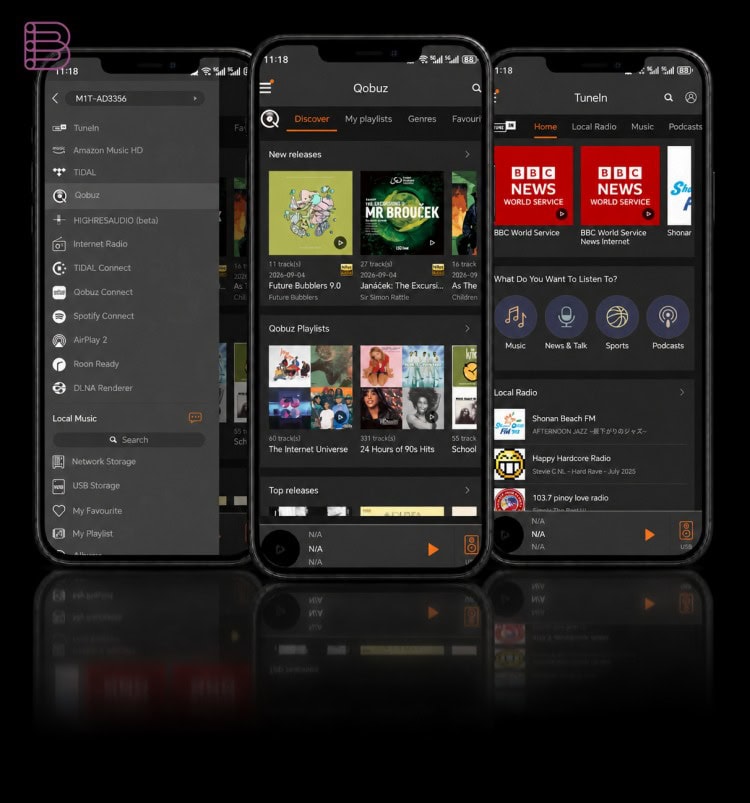
Next, open the VitOS Orbiter app and tap Wi-Fi Setup. The app then shows the wireless networks around you. Select your home network, enter its password, and the H1 joins your Wi-Fi. From that moment, your phone and the H1 sit on the same network again and you can start streaming. This is the method most owners will use for the Silent Angel H1 Wi-Fi setup in a living room or office where the router is out of reach.
Method 2: switch from wired to wireless
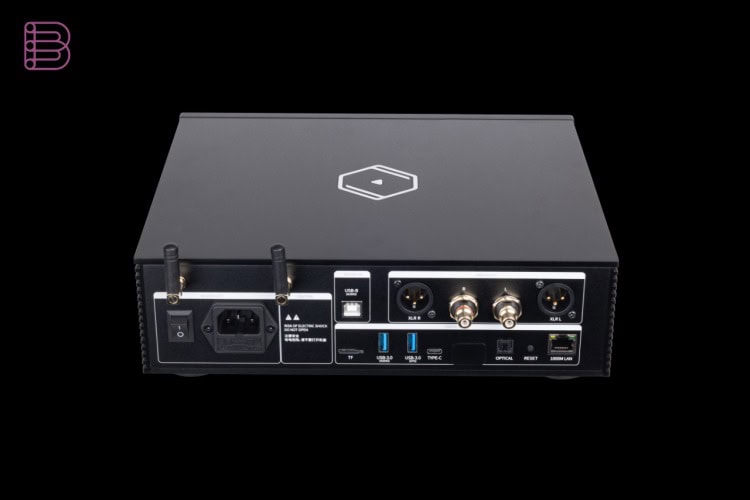
The second method suits anyone who can temporarily connect the H1 to a router or network switch with an Ethernet cable. With the cable in place, the H1 is on your network straight away and the VitOS Orbiter app finds it.
In the app, go to More Settings, then Network Settings, then Wireless Network Settings. Select your Wi-Fi network and enter the password. Once the H1 is connected wirelessly, you can disconnect the cable and place the H1 wherever you want it.
Wired or wireless?
Both routes end in the same place, so the choice mainly depends on your room. If there is a network cable near your system, many listeners simply leave the H1 wired for maximum stability. If your router sits in another room, the Silent Angel H1 Wi-Fi connection gives you the freedom to place the H1 next to your amplifier, TV or active loudspeakers without running cables through the house.
What the Silent Angel H1 does
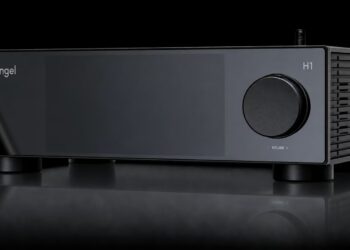
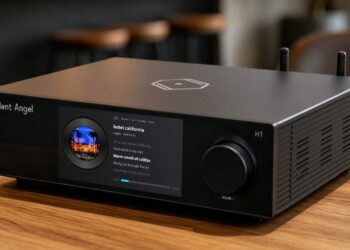
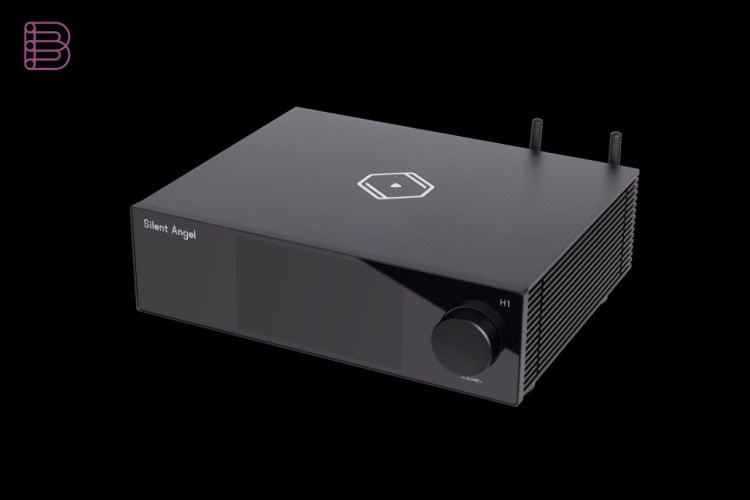
The H1 is Silent Angel’s lifestyle music hub. It combines a network streamer, dual DAC, local music server and a 5.5-inch display in a single aluminium chassis. Inside, two ESS Sabre ES9039Q2M DACs work with XMOS processing, and the proprietary VitOS operating system runs on a quad-core RK3568 processor with 4GB of RAM. You can play music from USB drives and NAS libraries, or fit an internal M.2 NVMe SSD of up to 8TB. Streaming services such as TIDAL Connect, Spotify Connect and Qobuz Connect are supported. Read our Silent Angel H1 Pure Music Hub news for the full story.
Pricing and availability
The video tutorial is free to watch on Silent Angel’s YouTube channel. The Silent Angel H1 itself was introduced at $849 and is available through Silent Angel dealers and the brand’s US online store. More information is available on the Silent Angel website.
Key specifications
- Product: Silent Angel H1 music hub (streamer, DAC, music server)
- App: VitOS Orbiter
- Wi-Fi setup method 1: hotspot / AP mode via the open H1-XXXXXX network, no cable needed
- Wi-Fi setup method 2: start wired via Ethernet, then More Settings > Network Settings > Wireless Network Settings
- DACs: dual ESS Sabre ES9039Q2M
- Processor: quad-core RK3568, 4GB RAM, VitOS
- Display: 5.5-inch
- Storage: USB 3.0, NAS, internal M.2 NVMe SSD up to 8TB