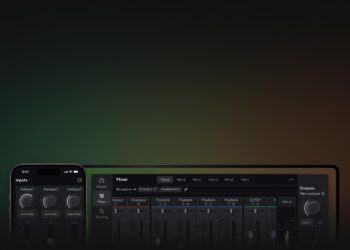


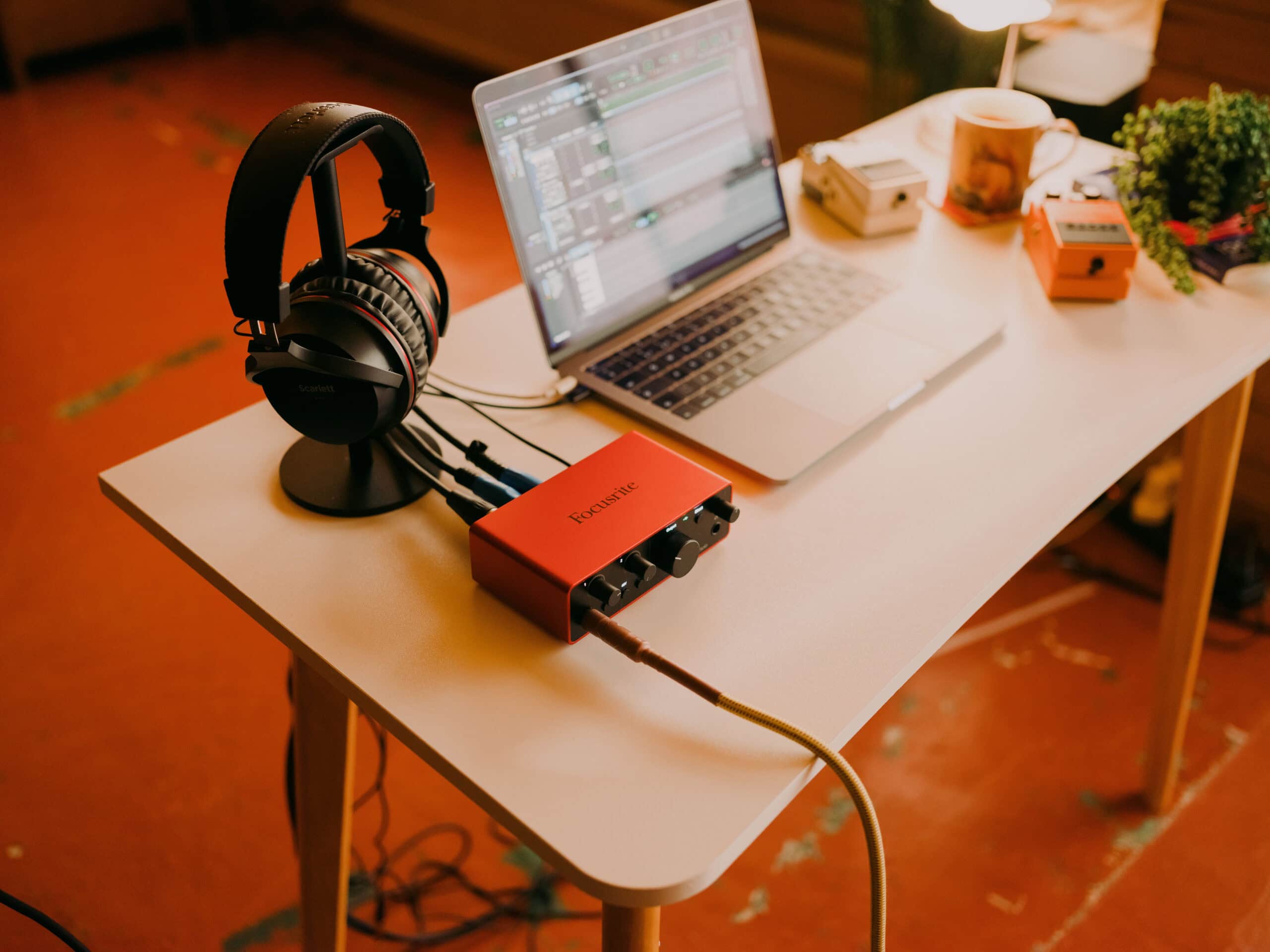
The new Focusrite Control 2 MIDI Control update changes how owners of Focusrite’s audio interfaces interact with their gear day to day: instead of reaching for a mouse to ride mixer levels or flip phantom power, a MIDI controller now does the job directly.
Focusrite Control 2 MIDI Control: remote control via MIDI
The update, version 1.1139.0, turns any class-compliant MIDI controller into a hands-on remote for Focusrite Control 2. Once a controller is mapped, it can adjust mixer channel volume, pan, mute and solo right from its own knobs and faders, with no need to click through the software’s on-screen mixer during a session. The exact set of controls available depends on both the interface model and the MIDI controller in use, so Focusrite publishes a dedicated setup guide listing which MIDI messages need to be sent for each function, making the mapping process straightforward even for a controller that wasn’t built with Focusrite in mind.
Preamp and monitoring control included
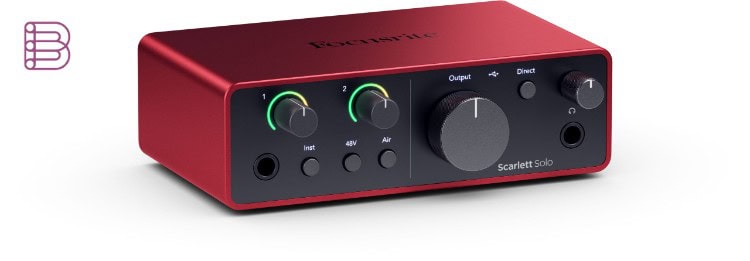
Focusrite Control 2 MIDI Control is not limited to mixing. It also reaches into preamp settings, including gain and 48V phantom power, along with monitoring features such as volume and speaker switching. For anyone who records solo, streams, or wants hands-free control while performing, that means gain and headroom can be adjusted on the fly without reaching for a laptop mid-take. It is a small change on paper, but one that fits how a lot of Focusrite’s audience actually works: at a desk, behind an instrument, or on a stage, rather than parked in front of a screen.
Which interfaces support it
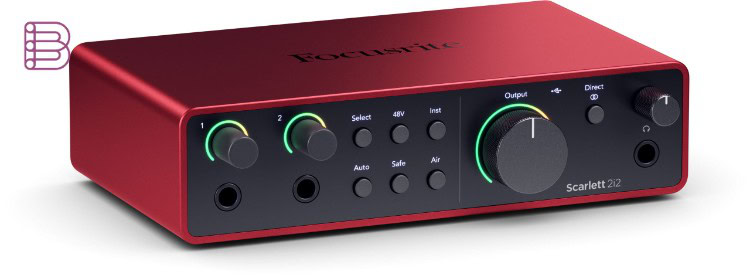
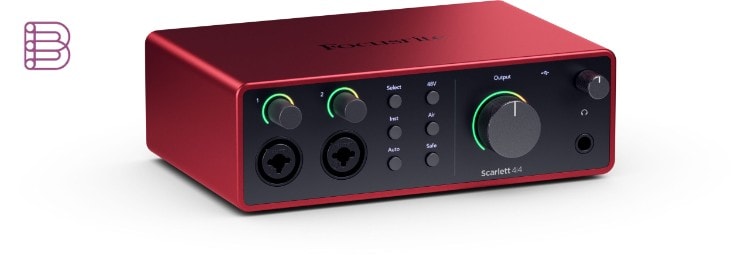
The feature rolls out across a wide slice of Focusrite’s current line-up: the entire Scarlett 4th Gen and Scarlett 3rd Gen range gets it, as does the full Clarett+ and Clarett USB range and the ISA C8X. On Scarlett 2nd Gen, support is limited to the 18i20, 18i8 and 6i6. Any class-compliant MIDI controller works, including popular options like Novation’s Launch Control XL Mk3, so there’s no need to buy into a specific ecosystem to take advantage of it.
Pricing and availability
Focusrite Control 2 version 1.1139.0, with MIDI Control included, is a free update for owners of a supported interface, available now through the software’s built-in updater or as a fresh download. It runs on Windows 10 (64-bit), Windows 11, and macOS Sonoma, Sequoia and Tahoe, so most users will already meet the requirements without changing anything else in their setup.
Key specifications
- New: MIDI Control for mixer volume, pan, mute and solo
- Preamp control via MIDI: gain, 48V phantom power
- Monitoring control via MIDI: volume, speaker switching
- Supported: Scarlett 4th Gen (full range), Scarlett 3rd Gen (full range), Scarlett 2nd Gen (18i20, 18i8, 6i6), Clarett+ (full range), Clarett USB (full range), ISA C8X
- Platforms: Windows 10 (64-bit)/11, macOS Sonoma (14)/Sequoia (15)/Tahoe (26)
- Price: free for registered Focusrite hardware owners
Focusrite Control 2 keeps evolving fast: we covered its redesigned interface and accessibility overhaul in our earlier look at Focusrite Control 2. Full setup instructions for Focusrite Control 2 MIDI Control are available on Focusrite’s official release notes page, including the exact MIDI messages each function expects.
For a studio or stage setup that already includes a MIDI controller, this update effectively adds a second, physical mixing surface for Focusrite’s interfaces at no extra cost. It’s a modest-sounding feature, but one that quietly removes one more reason to break focus and look at a screen.