The developers behind the popular third-party client R_video have released a major update that finally brings full widescreen compatibility to the app, delighting users with ultrawide and cinematic displays.




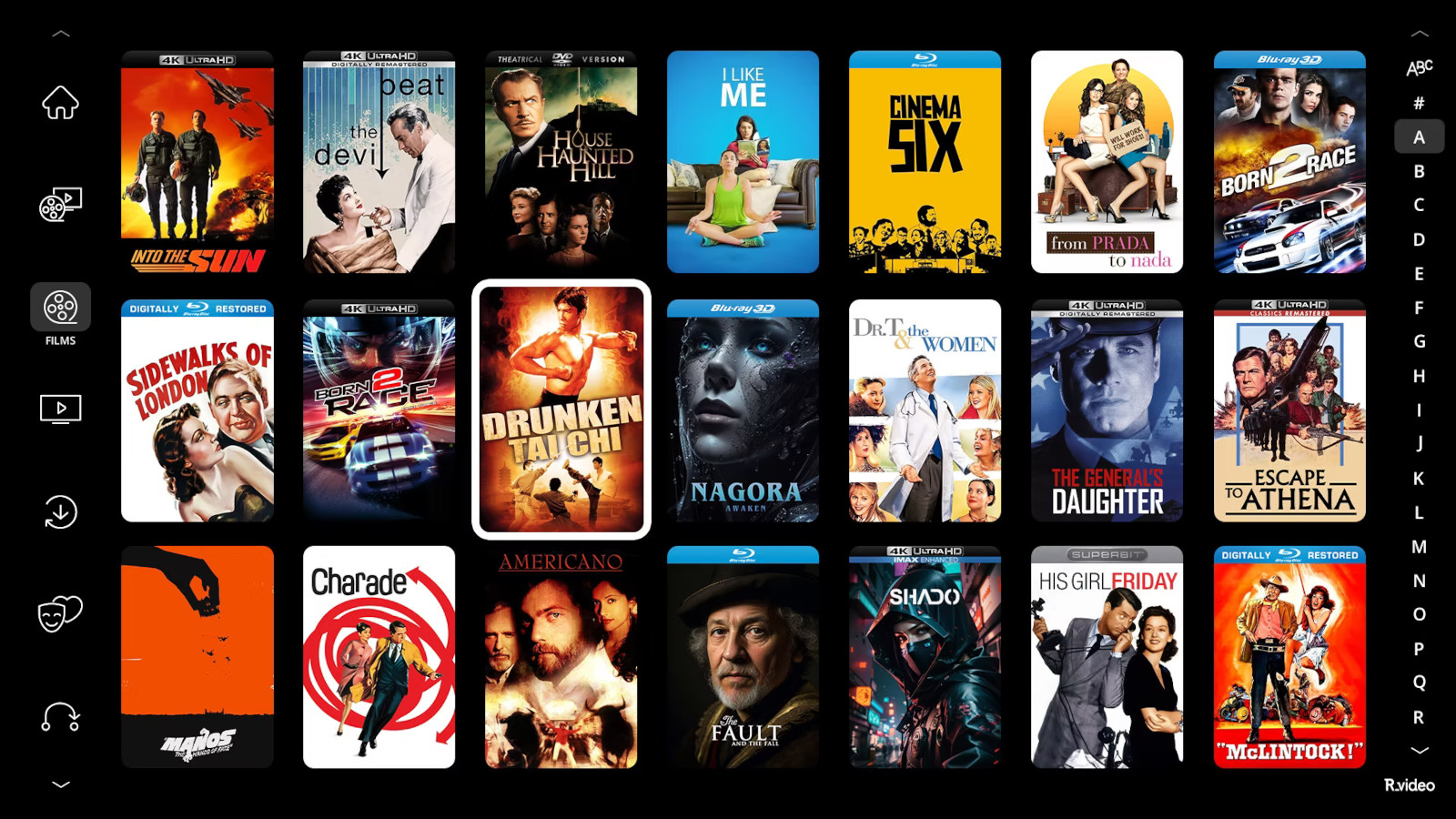
The headline feature of the new official version is native support for the 2.39:1 aspect ratio (also compatible with the closely related 2.35:1 and 2.40:1 ratios commonly used in modern cinema). This allows the entire R_video interface – including home screens, libraries, and playback controls – to fill widescreen monitors without the black bars or stretched imagery that previously plagued ultrawide users.
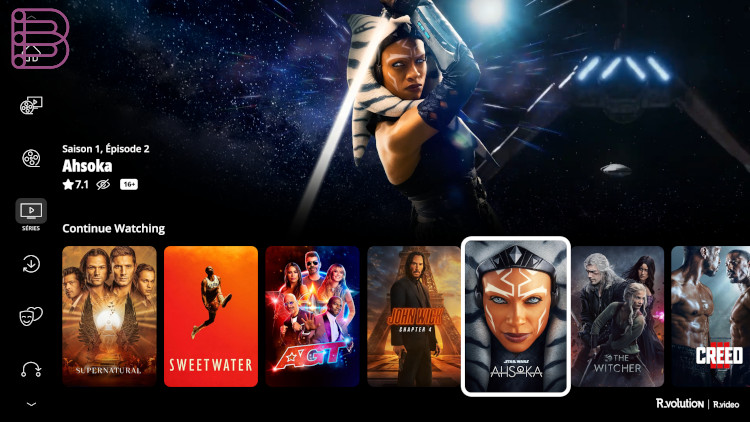
Two display layouts
Two distinct layouts are now available in the 2.39:1 mode:
- Two rows – A clean, minimalist poster grid that maximizes poster size and reduces scrolling on ultra-wide displays.
- Three rows – A denser layout for users who prefer to see more titles at once while still enjoying the full widescreen experience.
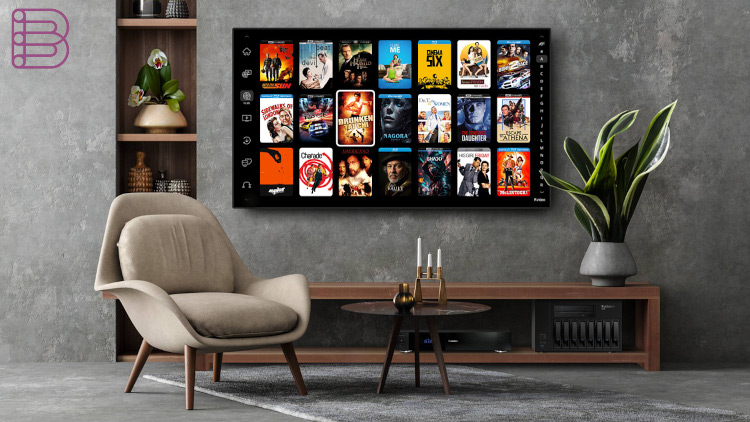
Switching to new widescreen modes
Switching to the new widescreen modes is straightforward: users simply navigate to Menu > Settings > Number of poster lines and select either “Two lines 2.39:1” or “Three lines 2.39:1.”
Long requested by the R_video community – especially owners of 21:9, 32:9, and other ultrawide monitors – the update eliminates the compromise between proper aspect-ratio video playback and a letterboxed app interface. The result is being described by early users as “transformative” and “like using a completely new app.”
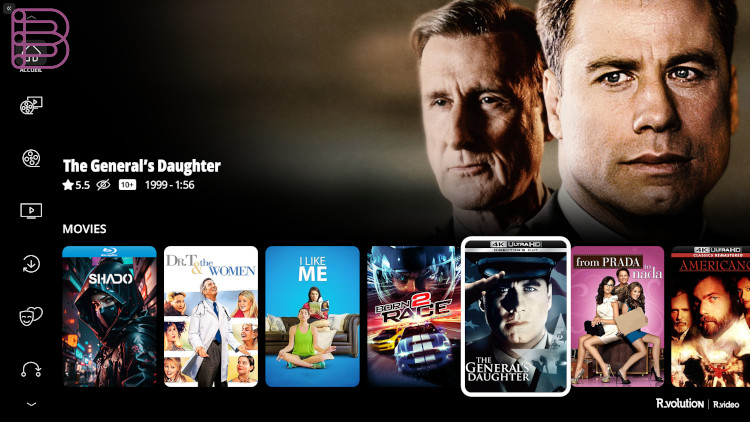
How to update
The update is available immediately for all users running the official R_video client. No additional downloads or sideloading are required; the new widescreen options appear automatically after updating to the latest version.
With this release, R_video further cements its reputation as one of the most flexible and user-focused third-party video clients available, particularly for home theater enthusiasts and collectors who demand a true cinematic experience on their desktop and TV setups.