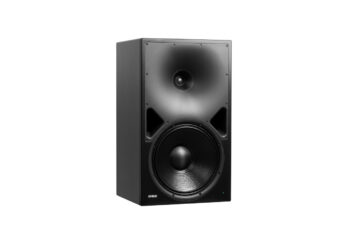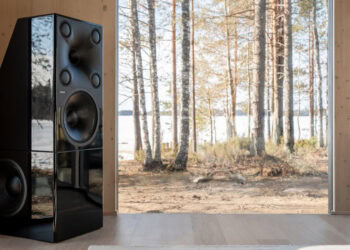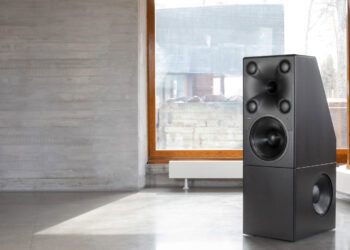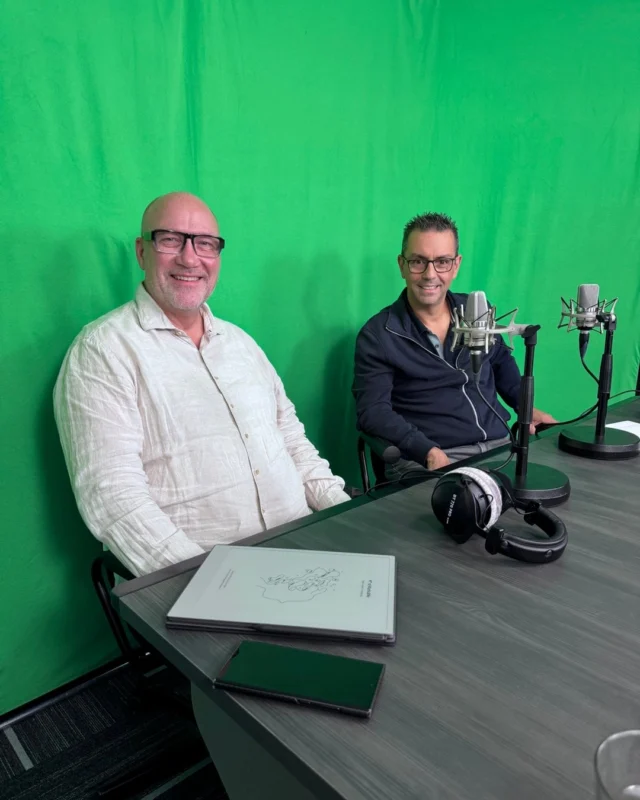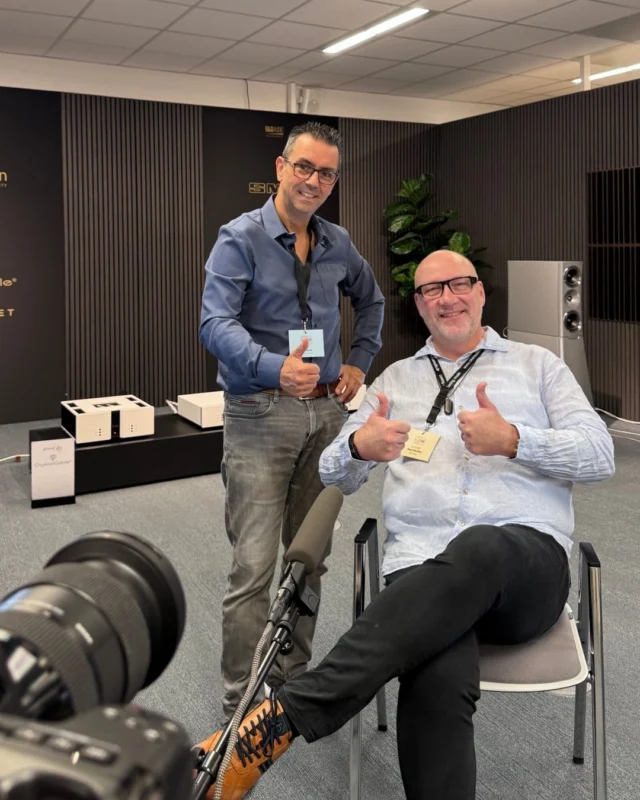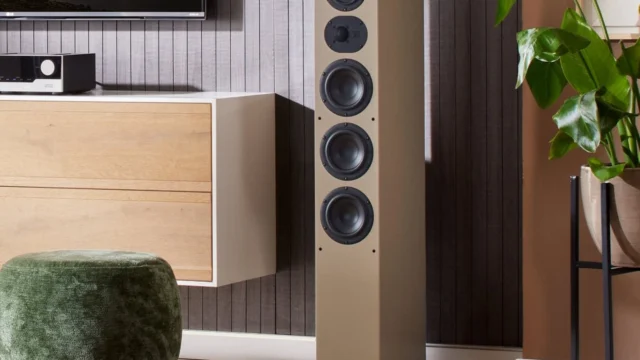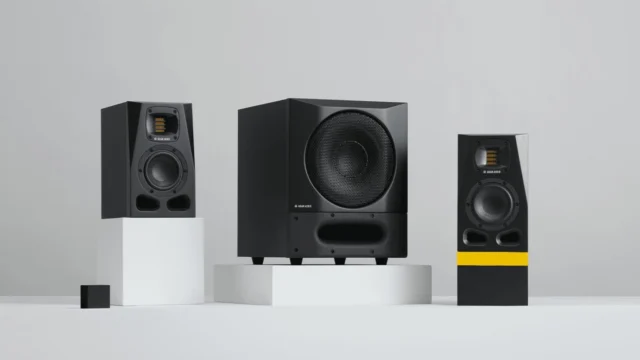


Once a Genelec SAM speaker is in the room, the tool that actually measures and corrects for that room is the Genelec Loudspeaker Manager — GLM for short. Marcel Schechter walks through what’s in the kit, how the calibration process works, and how much control is left in the listener’s hands once it’s done. The same calibration approach underpins the wider range of auto-calibrating Genelec high-end systems covered elsewhere.
What’s in the GLM kit
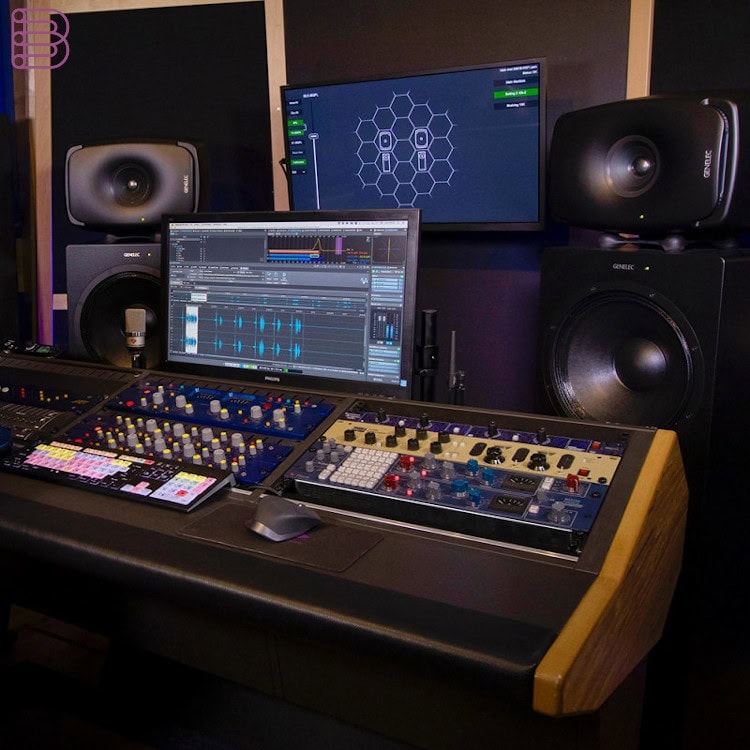
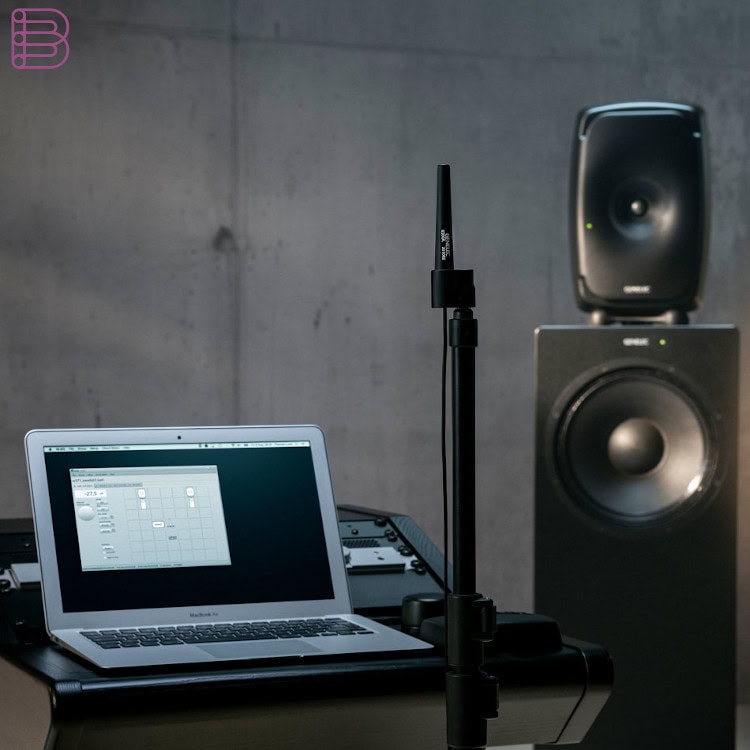
The Genelec Loudspeaker Manager kit consists of three parts: a network adapter, a measuring microphone, and the GLM software for Mac or PC. Together they analyse how a playback system is actually influenced by the room at the listening position, then calculate the settings for the DSP filters built into Genelec’s speakers and subwoofers to compensate for those influences.
Setting up and running a calibration
Setup is a simple daisy-chain: every speaker and subwoofer connects to the network adapter with standard CAT network cables, in any order, and the adapter connects to a PC or Mac running the GLM software. The measuring microphone is placed at the listening position; each speaker and subwoofer then plays a sweep, which the microphone records. From that measurement, GLM’s algorithm calculates the correction — a process Schechter refers to elsewhere as AutoCal. The result: a cleaned-up, precise bass range, more overall clarity, and higher resolution with a neutral starting character.
Fine-tuning, groups and everyday control
The calibrated result isn’t fixed. Every setting can be edited manually afterwards — if the neutral, linear result feels a little too analytical, warmth or extra bass can be dialled back in without losing precision. GLM’s “groups” feature allows fast switching between different saved setting profiles, making it easy to compare them directly. GLM can also function as a volume controller; for listeners who don’t want a computer running permanently, the calibrated settings can be saved into the speakers themselves for standalone use, with volume still adjustable via the GLM adapter, a wired controller, or a wireless remote.
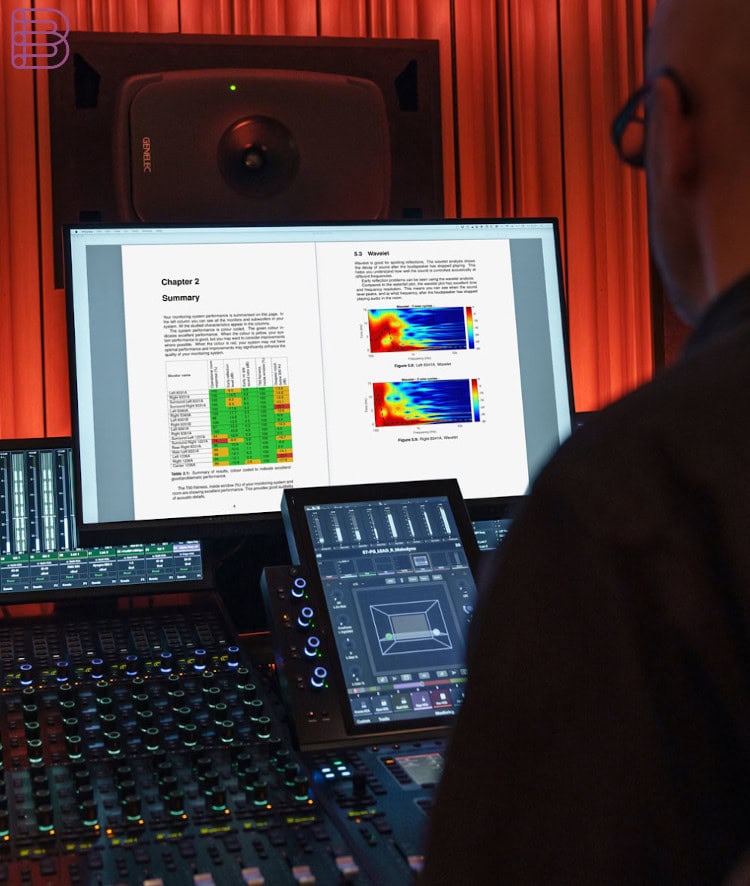
More details about the GLM.
Visit the Genelec website.
Frequently asked questions
What hardware is included with the Genelec Loudspeaker Manager?
A USB network adapter, a measuring microphone, and the GLM software for Mac or PC.
Do I need a computer running all the time to use it?
No. Once calibrated, settings can be saved into the speakers for standalone mode, with volume still controllable via the adapter, a wired controller, or a wireless remote.
Can I change the calibration result to match my own taste?
Yes — every setting can be edited manually after calibration, and groups make it easy to switch between and compare different profiles.
What does a GLM calibration actually improve?
A cleaner, more precise bass range, more overall clarity, and higher resolution with a neutral tonal starting point, as explained in this smart active monitoring technology overview.